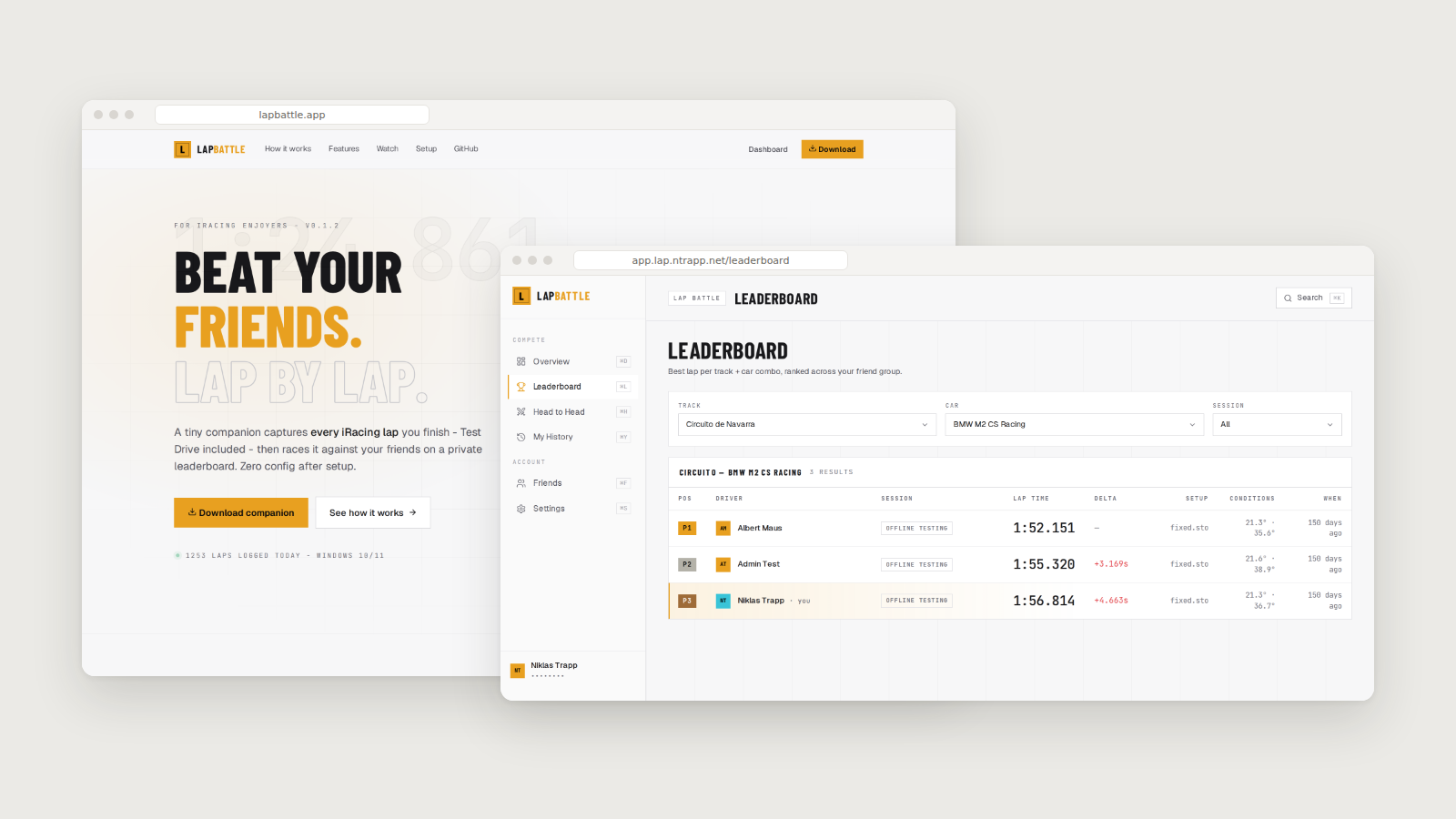
Beat your friends. Lap by lap.
A tiny Windows companion sits in your tray and captures every iRacing lap you finish then races it against your friends on a private leaderboard. Zero config after setup.
What it does
Cross the finish line and your lap is on the board within seconds. LapBattle tracks your best lap per track/car combo and stacks it against your friends’ bests in real time. No overnight syncs, no manual uploads, no public rankings.
- Every session type — Test Drive, Practice, Qualifying, Race. Capturing Test Drive laps is the thing no other tool does.
- Friend-only — no public profiles, no global leaderboards. Only accepted friends see your laps. Your group, your rules.
- Real conditions — air temp, track temp, fuel level, and setup name are logged alongside every lap. Receipts for every fast lap — and every excuse.
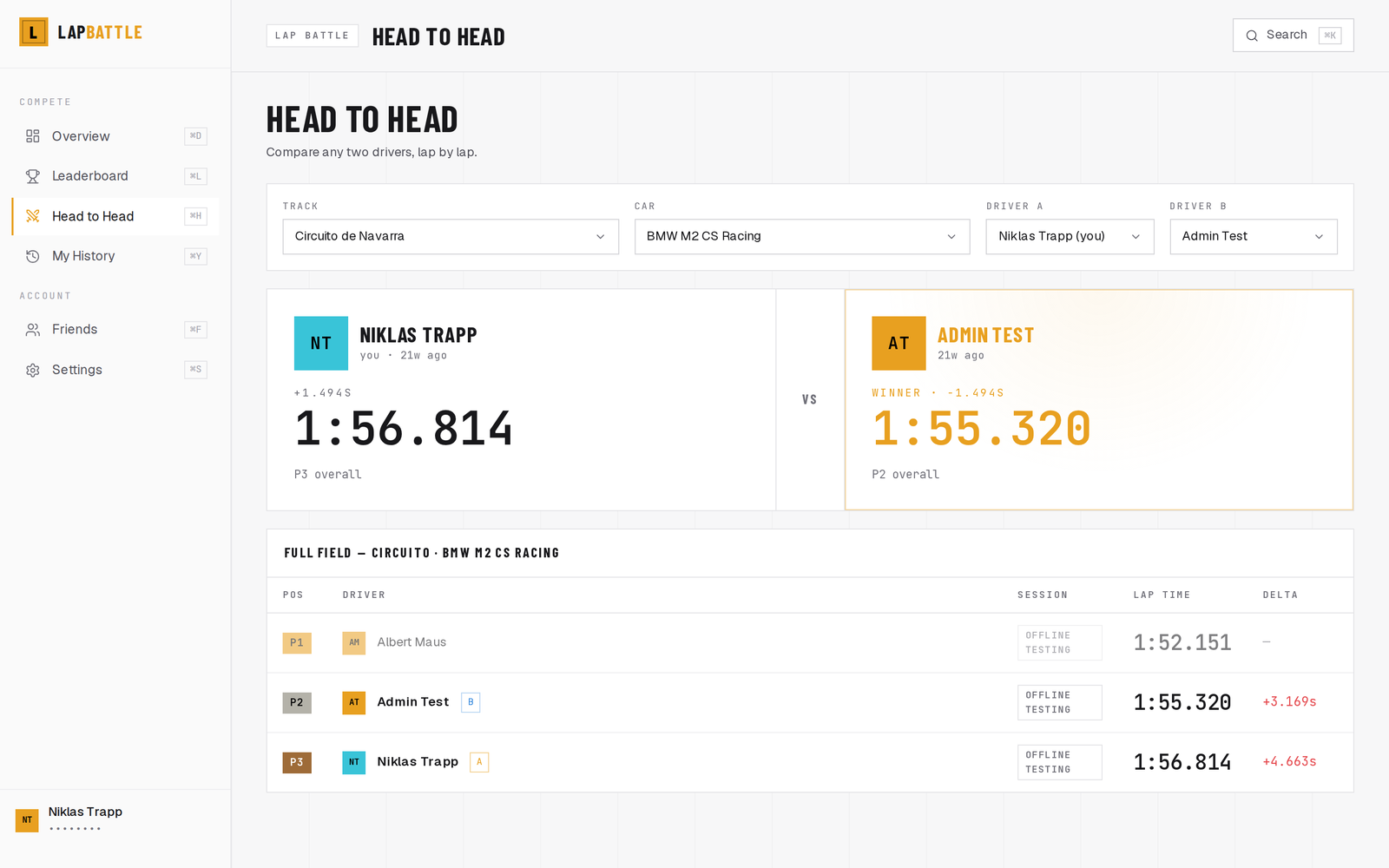
- Head-to-head — pick two friends and a track/car combo to see exactly where you’re losing or winning time.
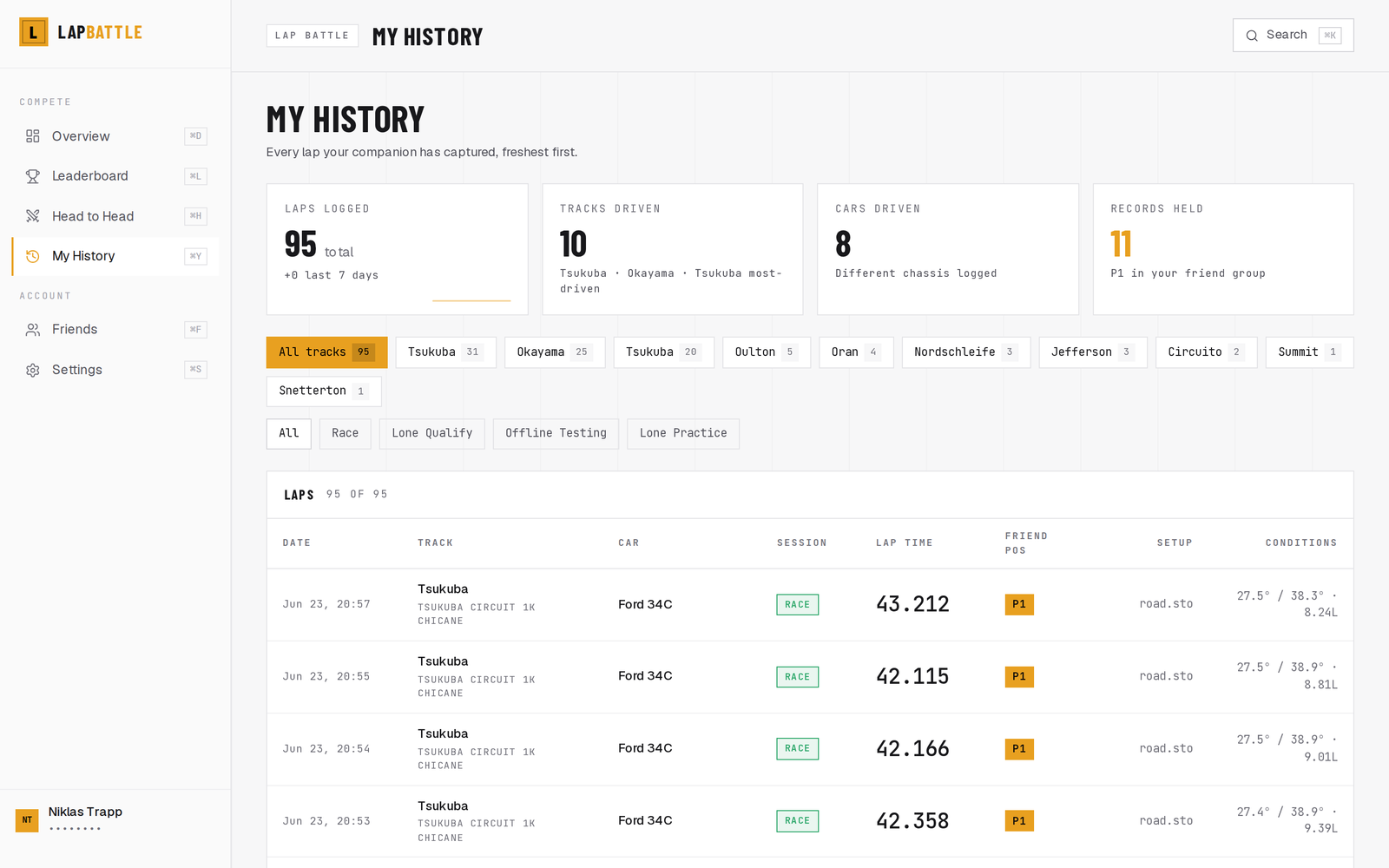
- Full history — every lap you’ve ever set, filterable by track, car, and session type.
- Zero overhead — ~0.3% CPU, ~20 MB RAM. Reads iRacing’s own shared memory, no DLL injection.
How it works
- Download the companion, a small tray app for Windows 10/11. Auto-starts with your PC. No installer, no admin rights.
- Connect your account Sign up at lapbattle.app, copy your token from Settings, paste it into the companion settings window. One token, one time.
- — Drive Every completed lap is captured automatically. New personal bests appear on your friends’ leaderboards instantly.